Your first video
Describe it, with what you have
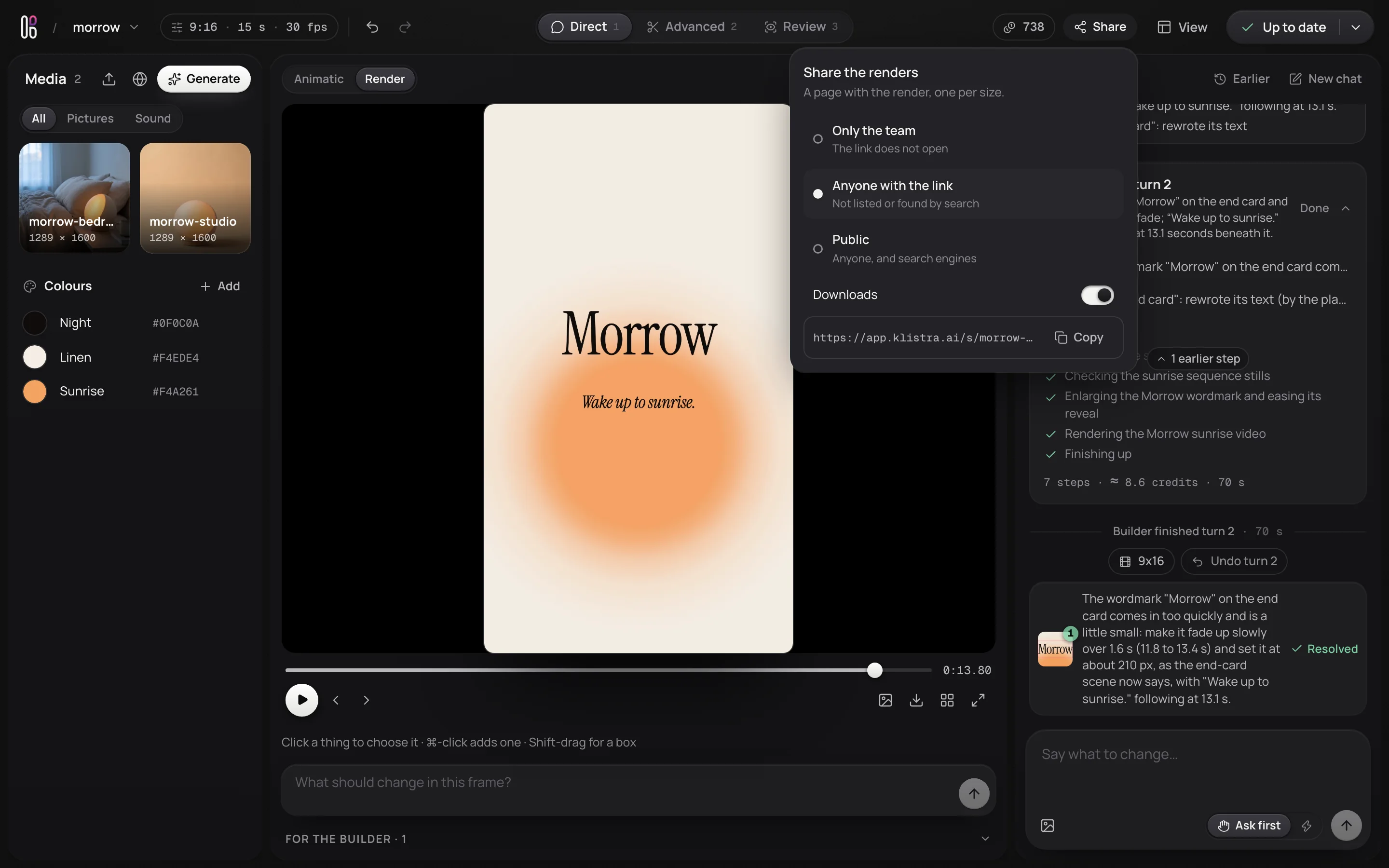
On the home page, write what to make as you would brief a designer: what it is, how it should feel, and what it must say. Drop your photos on the box. Klistra reads the length and the sizes from your words; change them on the chips under the box if they are not what you meant.
A 15 second launch video for Morrow, a sunrise alarm lamp that wakes you with light instead of noise. Calm, warm and premium, with one warm accent colour. Use my photos. End on the name and “Wake up to sunrise.”
Press Enter, and the project opens.
Klistra plans it with you
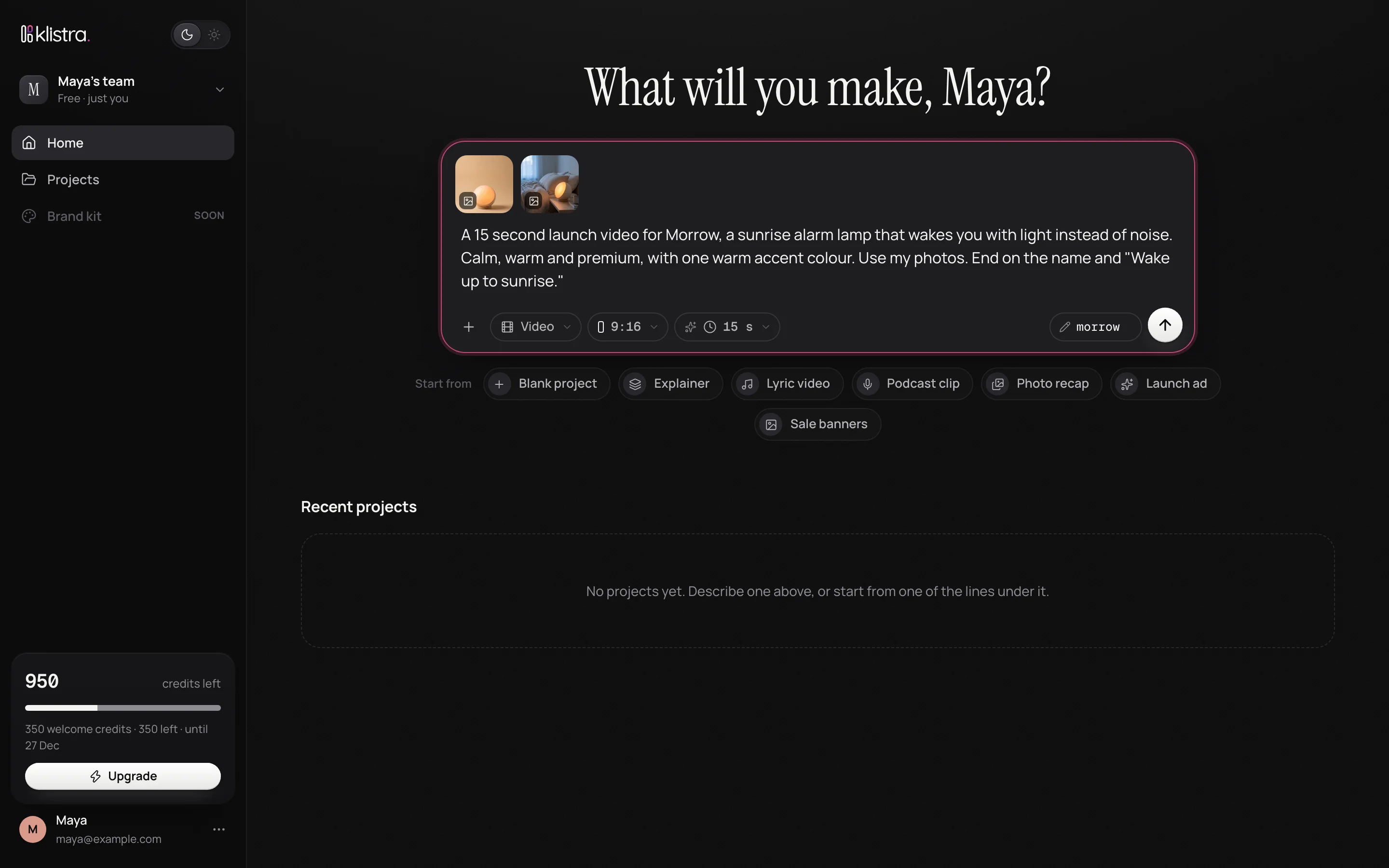
Your words go to the chat, and Klistra plans the video: the idea, the scenes and what each shows, the words on screen, the colours, and when everything happens. Each change is listed under its answer, and the sketch of the video beside it follows as the plan takes shape.
Not right yet? Say so, in plain words: make it more playful, open on the bedroom photo, end a second earlier.
Make it
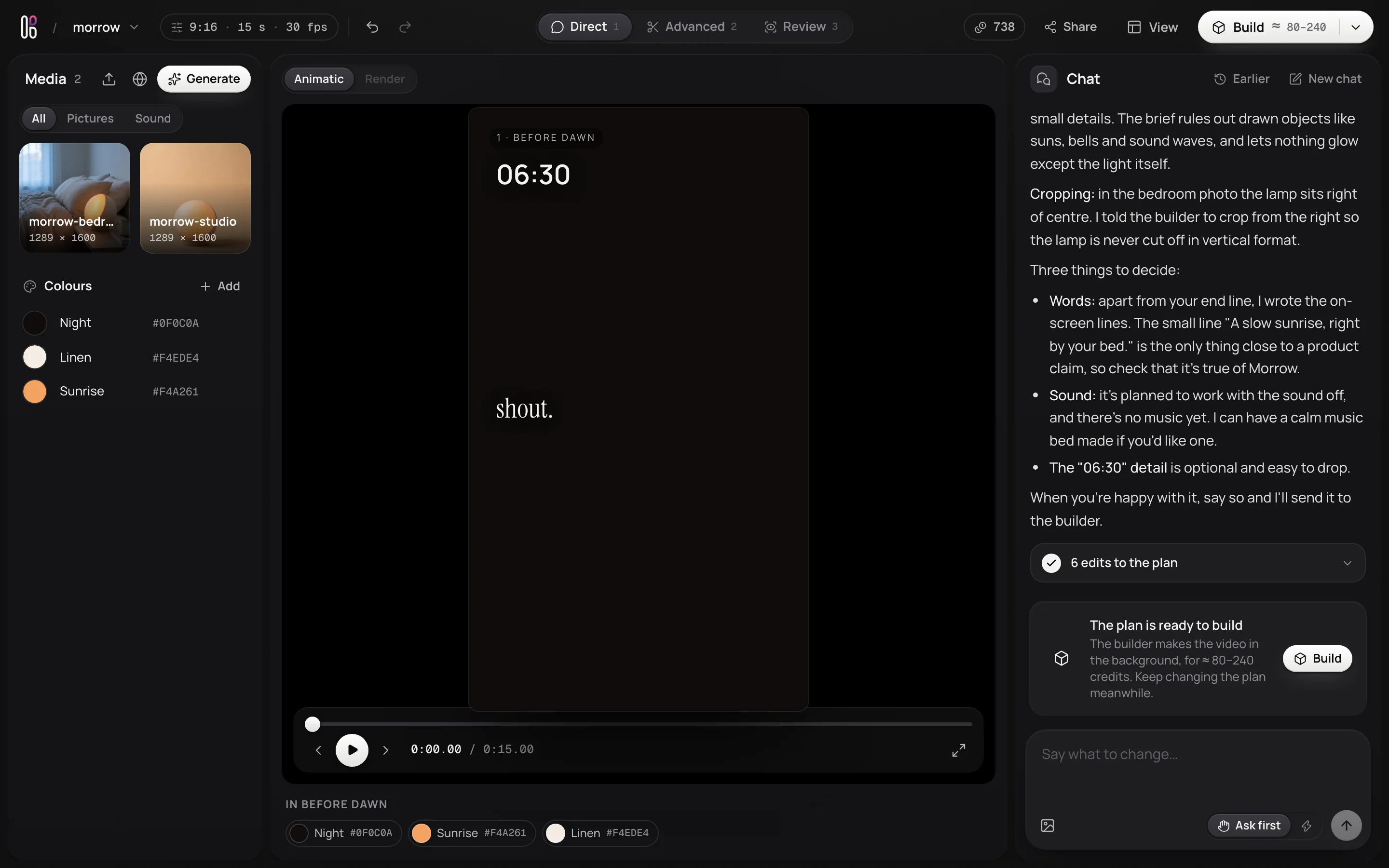
When the plan looks right, press Build. It says roughly how many credits it will take before it starts. Klistra makes the video in the background and renders it in every size you chose; the chat shows what it is doing as it goes, and you can keep changing the plan meanwhile.
Watch the render
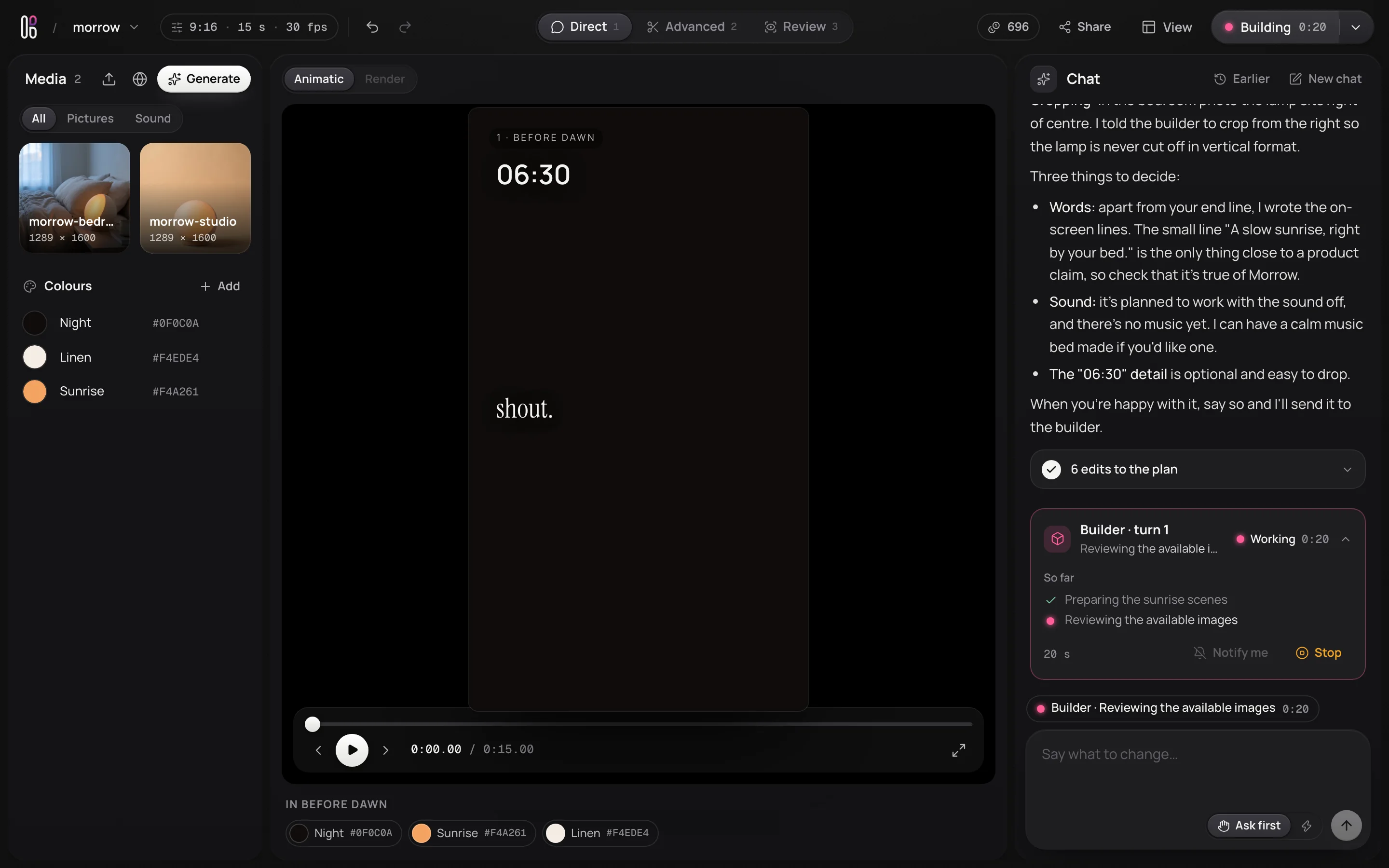
The render plays where the sketch was. Watch it through, then scrub to anything you want to change.
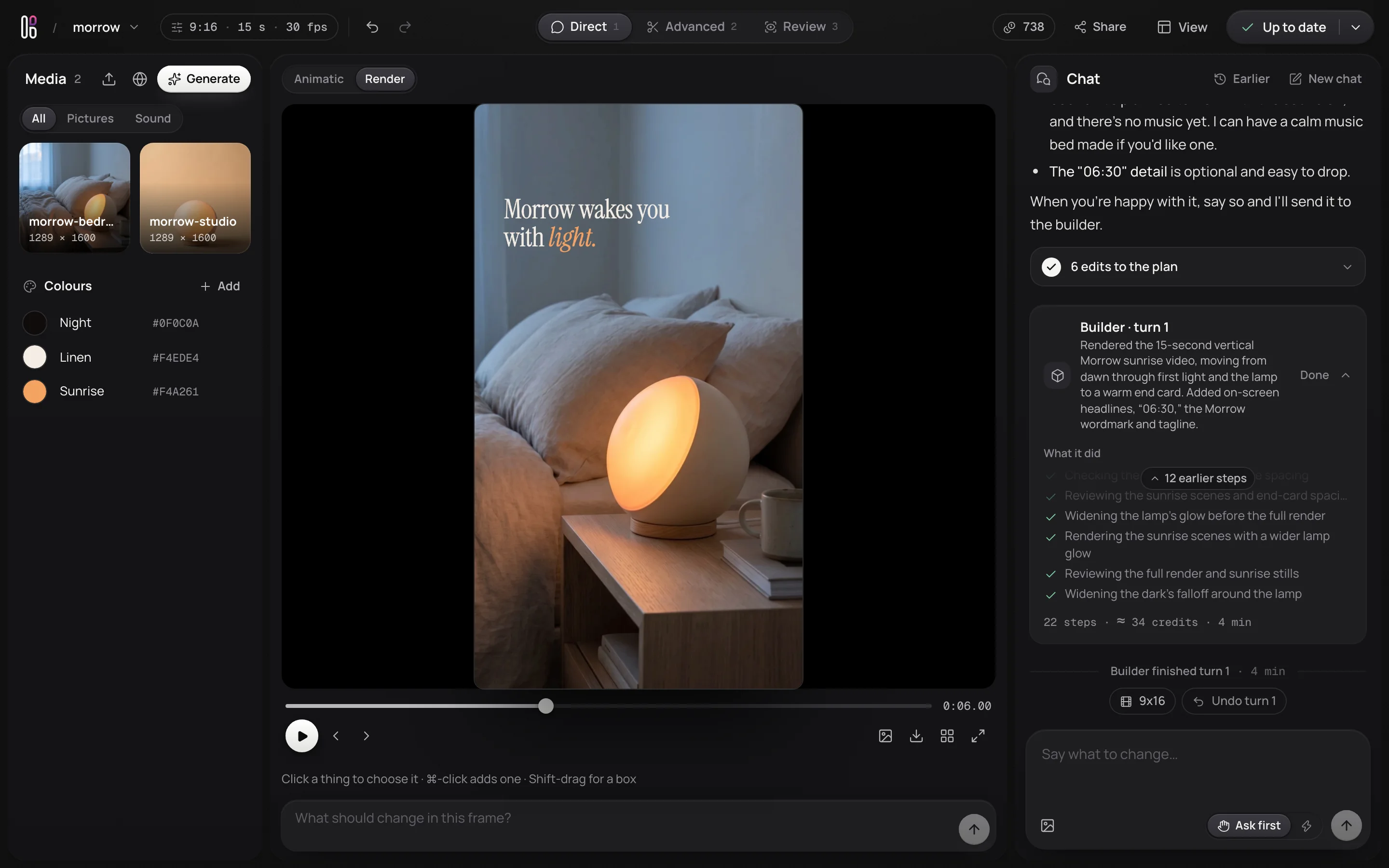
Point at what should change
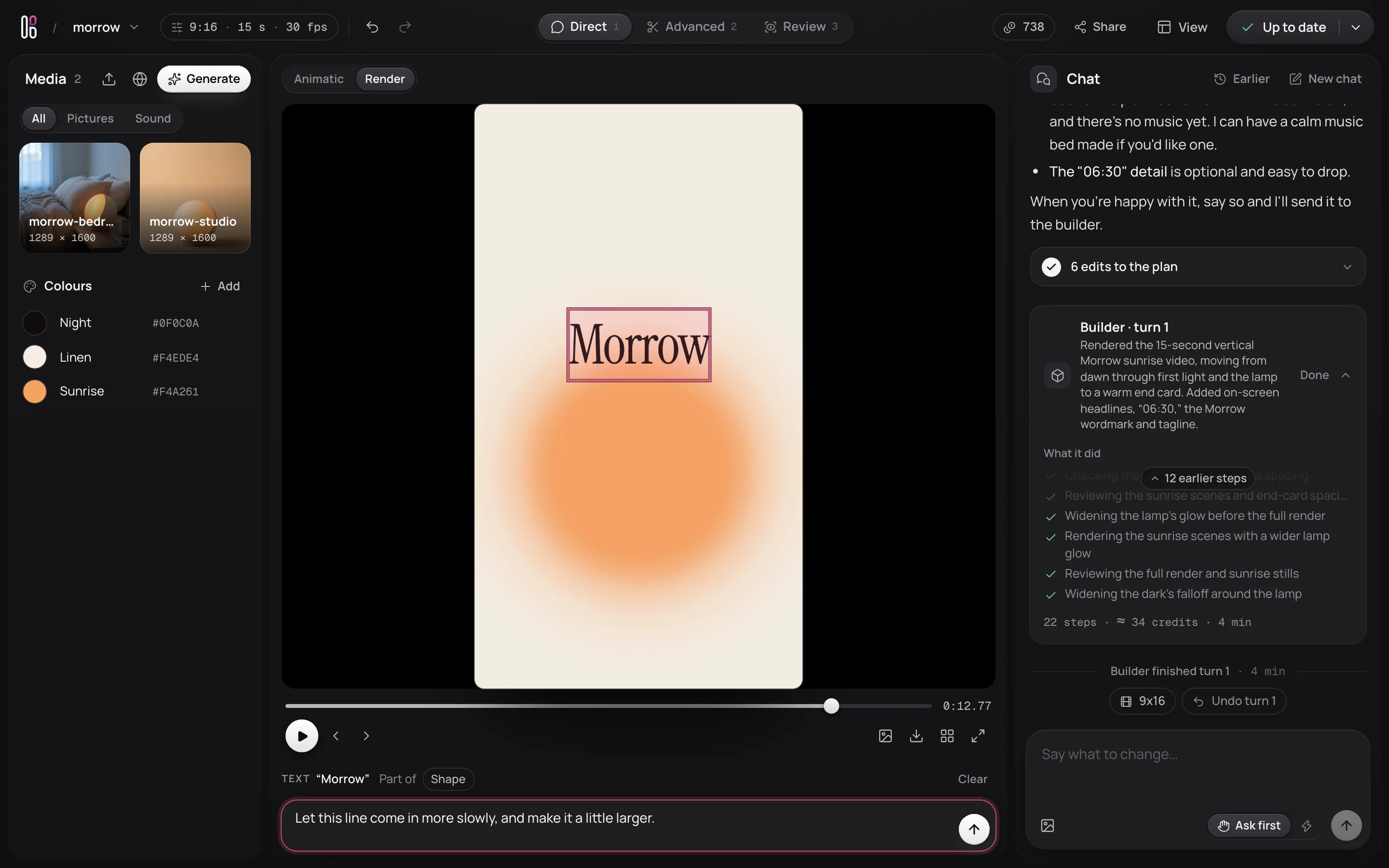
Click the thing you want to change, here the closing line, and say what should change about just that: Let this line come in more slowly, and make it a little larger. Click again to choose what lies beneath it.
Your comment goes to the chat with a picture of what you pointed at, and comes back as a note pinned on that frame, waiting for the next build.
Make it again, and check the change
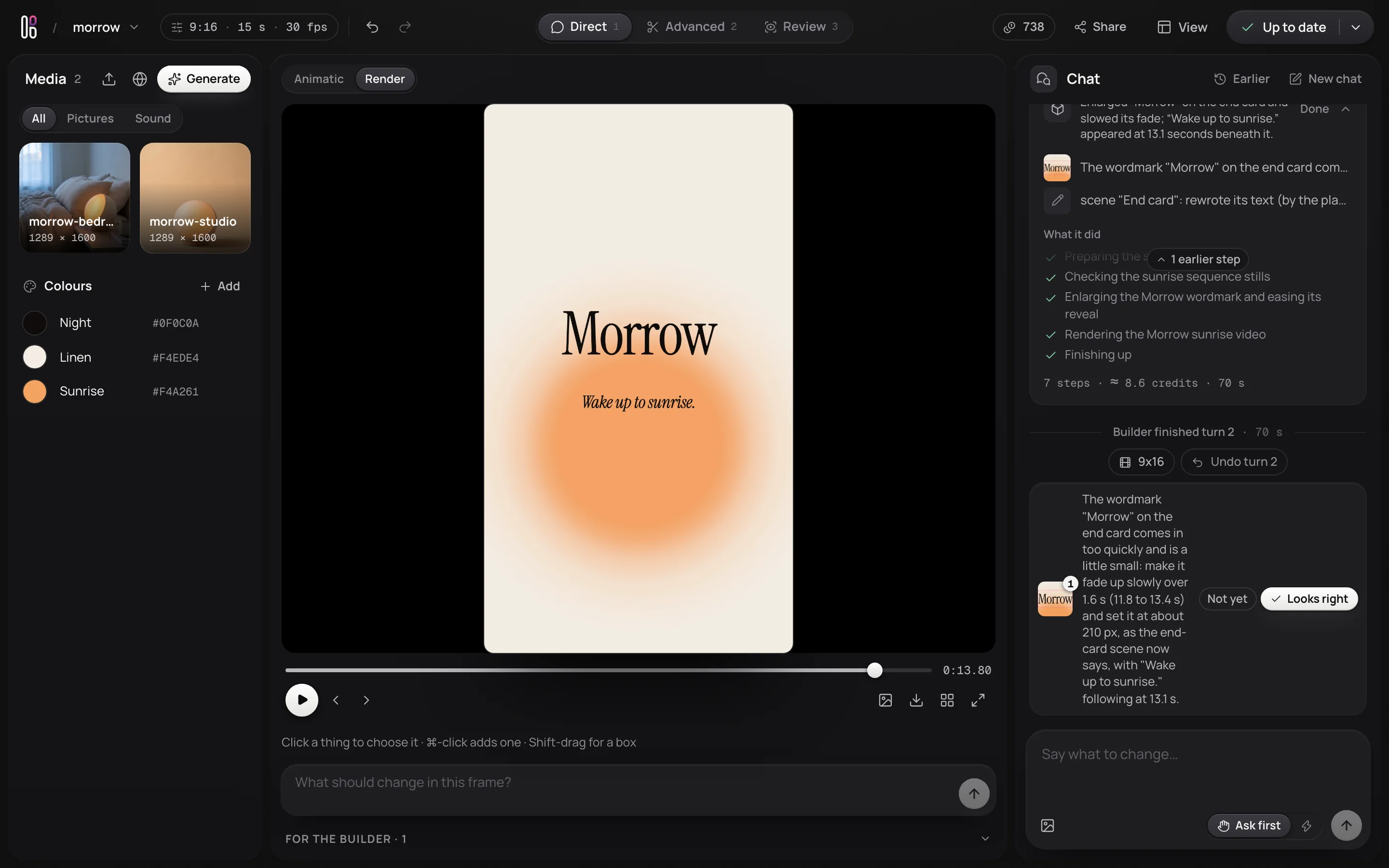
Press Build again. The next round starts from the last one with your notes, so only what you asked for changes. When it is done, each note asks whether it came out as you meant: Looks right closes it, and Not yet opens it again and tells the chat.
Share it
Share makes a link to the renders that works without signing in, with downloads on or off. Every size can also be downloaded from the studio.
Next: time a video to music by hand, or read about every part of the studio.